> ## Documentation Index
> Fetch the complete documentation index at: https://cal.id/docs/llms.txt
> Use this file to discover all available pages before exploring further.
# Install New App on Cal ID
> Add new integrations to your Cal ID account from the App Store, authenticate them where required, and enable them for individual event types.
Add a new integration to your account in a few clicks from the Cal ID App Store. We suggest firstly adding a calendar integration, then optionally a video conferencing platform, and then try out the other apps.
Head over to the **Apps** page, where you'll find our app store, and find the app you'd like to install.
Click **Install** on the right of the app's card to add it right away, or click the card to view more details. In the details page you can read more about each app, then click **Install** to add it to your account.
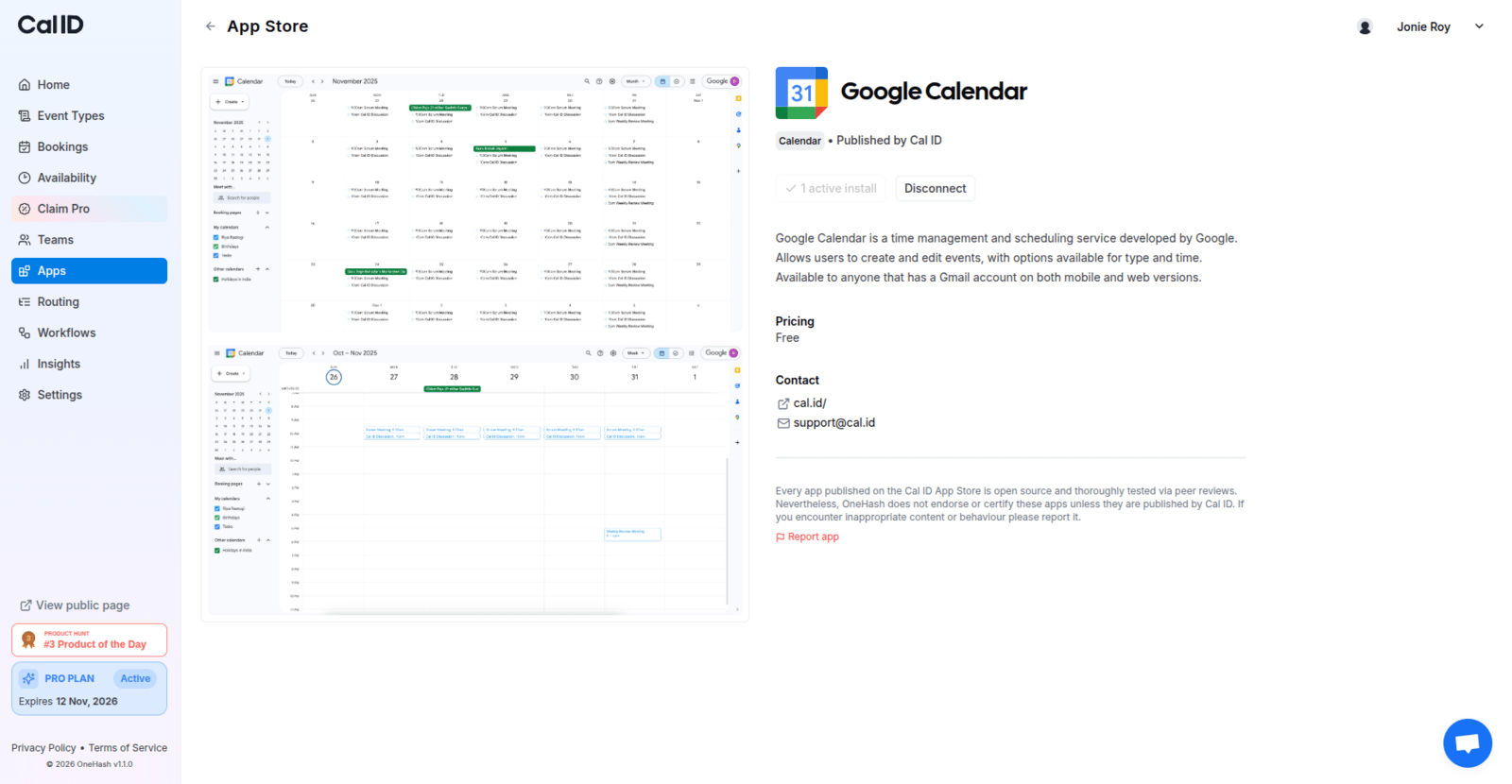 If the app requires authentication, for instance to connect your Google Account, a dialog will be opened prompting you to authenticate. Once complete, the app will be successfully installed to your account.
After installing, enable the app on the specific event types where you want to use it from each event's **Apps** tab.
## Related topics
- [App Store](/docs/apps/app-store.md)
- [Managing Installed Apps](/docs/apps/manage-installed.md)
- [Setting Necessary Permission for Google Calendar Integration](/docs/apps/google-calendar.md)
- [Cal ID to Zoom Integration](/docs/apps/zoom.md)
- [Enabling Apps for Specific Event Types](/docs/event-types/enable-apps.md)
If the app requires authentication, for instance to connect your Google Account, a dialog will be opened prompting you to authenticate. Once complete, the app will be successfully installed to your account.
After installing, enable the app on the specific event types where you want to use it from each event's **Apps** tab.
## Related topics
- [App Store](/docs/apps/app-store.md)
- [Managing Installed Apps](/docs/apps/manage-installed.md)
- [Setting Necessary Permission for Google Calendar Integration](/docs/apps/google-calendar.md)
- [Cal ID to Zoom Integration](/docs/apps/zoom.md)
- [Enabling Apps for Specific Event Types](/docs/event-types/enable-apps.md)