> ## Documentation Index
> Fetch the complete documentation index at: https://cal.id/docs/llms.txt
> Use this file to discover all available pages before exploring further.
# Customize Your Brand Logo and Favicon in Cal ID
> Replace the default Cal ID branding on your personal booking page with your own logo and browser tab favicon for a fully white-labeled experience.
Own your booking experience end to end. The **Custom brand logo and favicon** section lets you swap the Cal ID branding on your personal booking page for your own logo and browser icon, so guests see your brand from the tab title to the footer.
Have your files ready before you start:
* **Logo** — a **600 x 400 px** image. A transparent-background `.PNG` is strongly recommended.
* **Favicon** — an icon file under **1 MB**.
## Step-by-step configuration
Sign in to your dashboard.
Click the **Settings** icon in the left-hand sidebar.
Open the **Custom Branding** section.
Scroll to the bottom and ensure the toggle for **Custom brand logo and favicon** is switched **ON**.
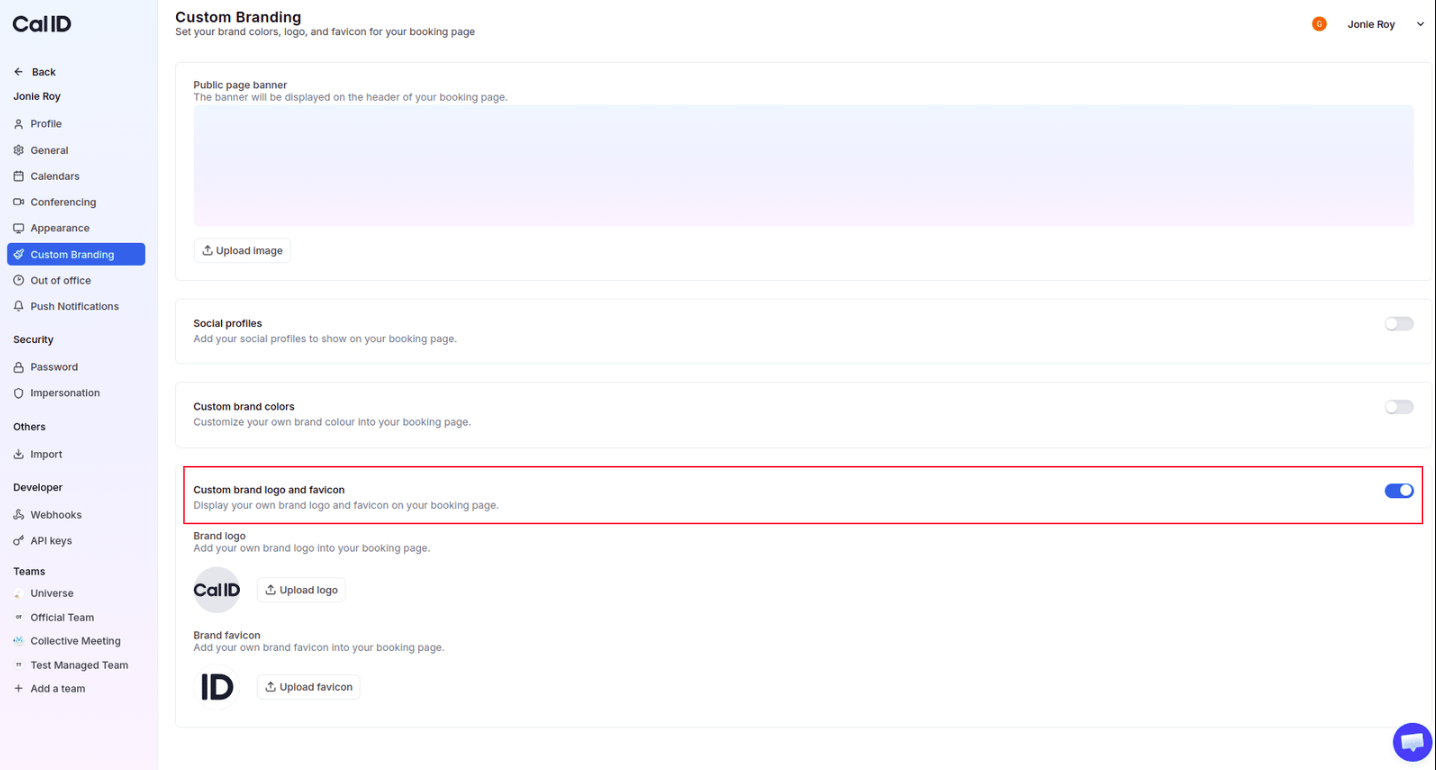 Click the **Upload logo** button, then select your **600 x 400 px** image.
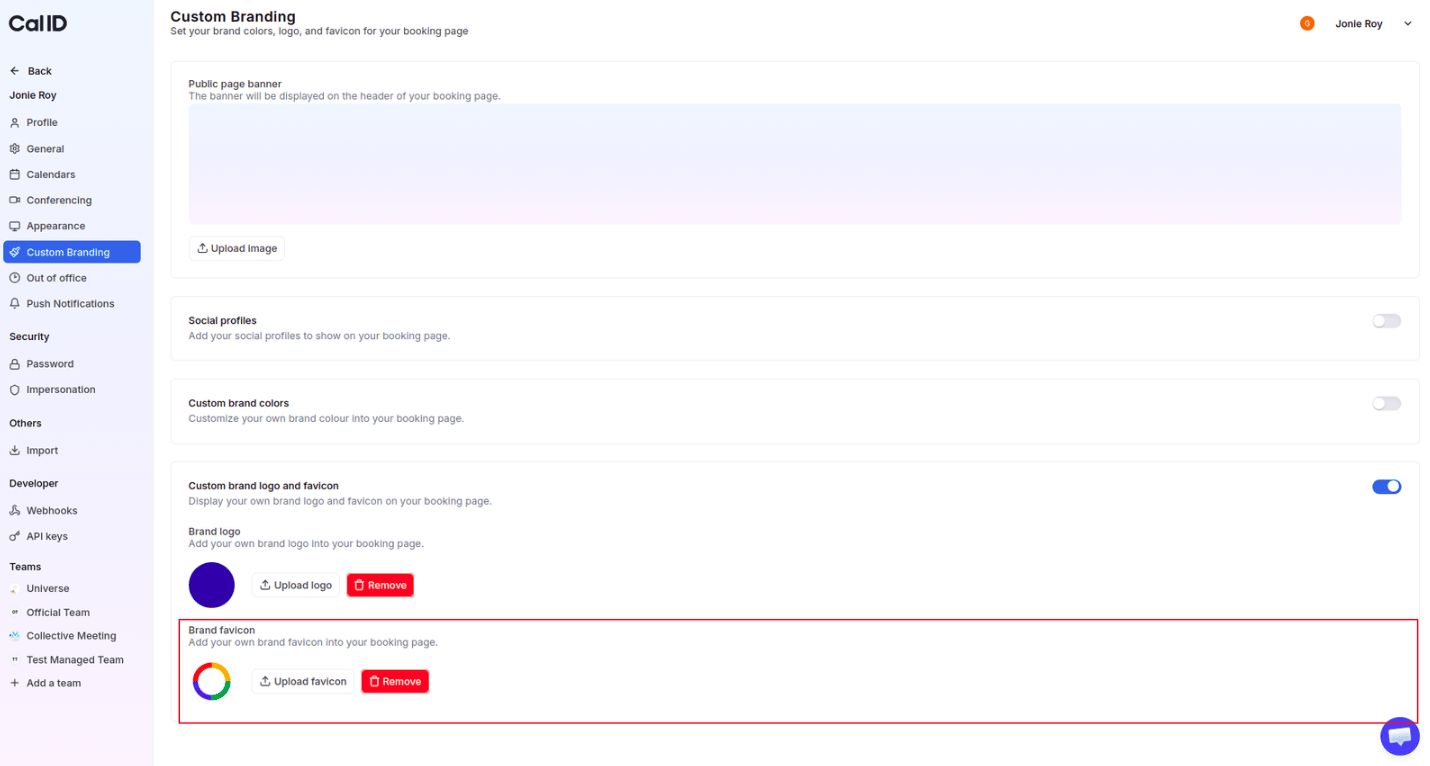
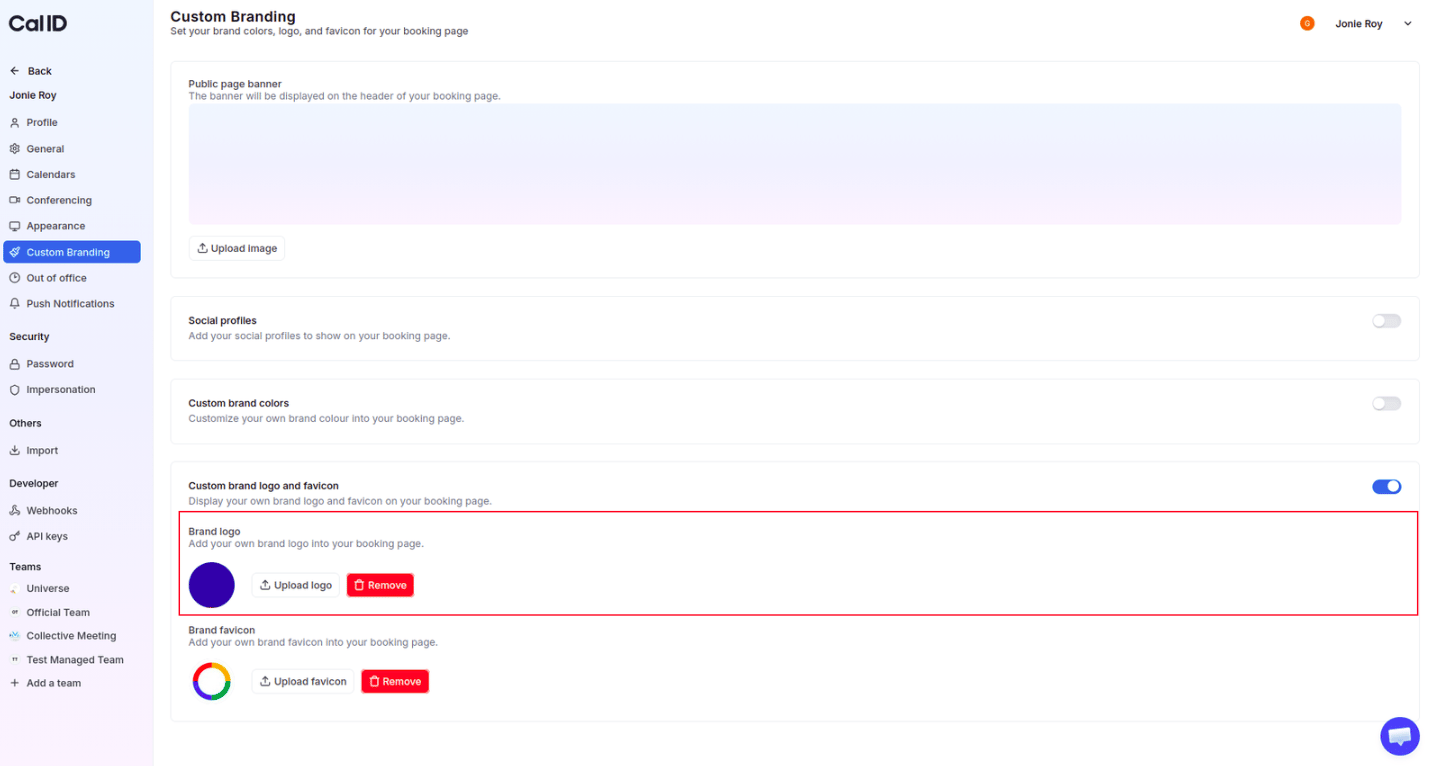 Click the **Upload favicon** button, then select your icon file (ensure it is under **1 MB**).
 Click the **Update** button (if visible) to apply the changes.
For the **brand logo**, using a file with a transparent background (like a `.PNG`) is highly recommended. This ensures your logo looks natural whether your guest is viewing your page in **Light** or **Dark** mode.
## Visible changes in your account
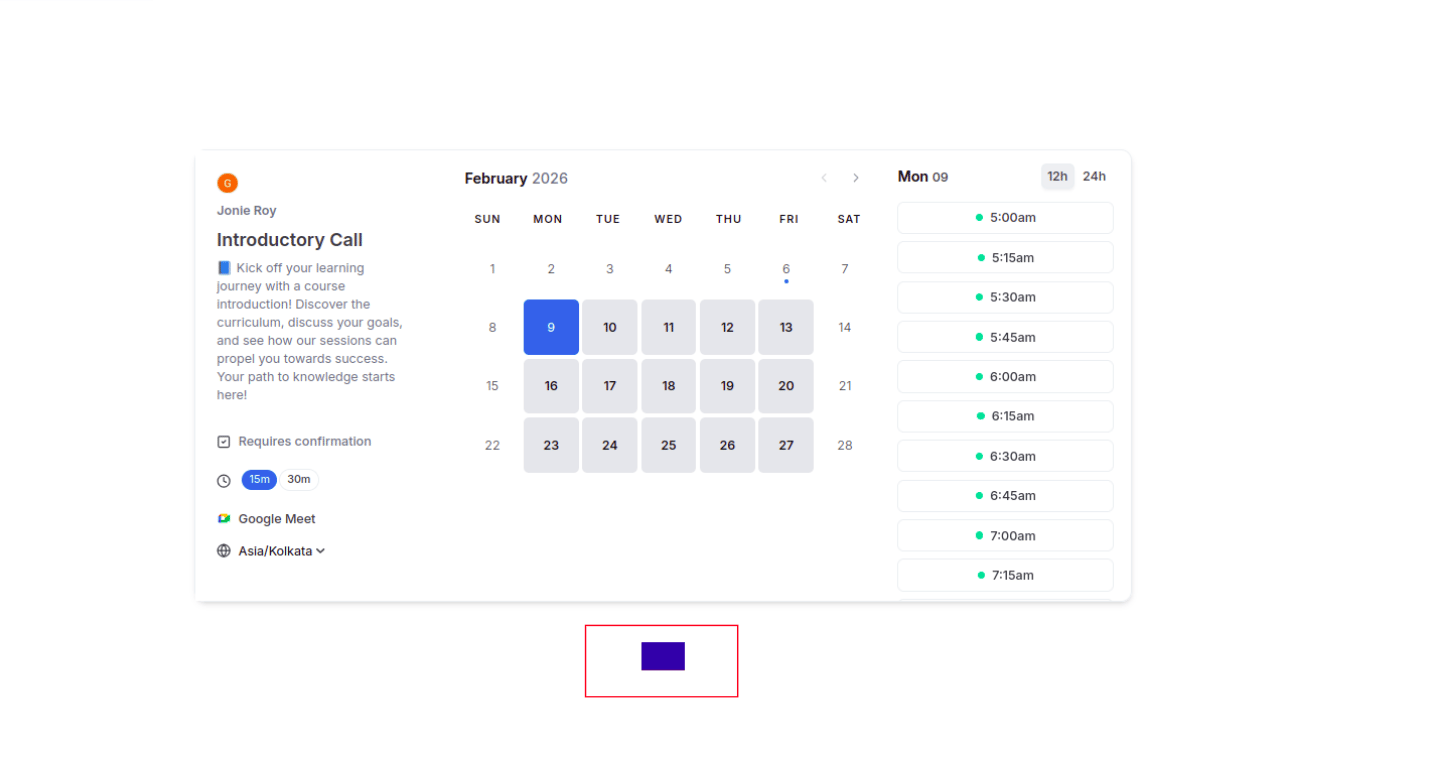
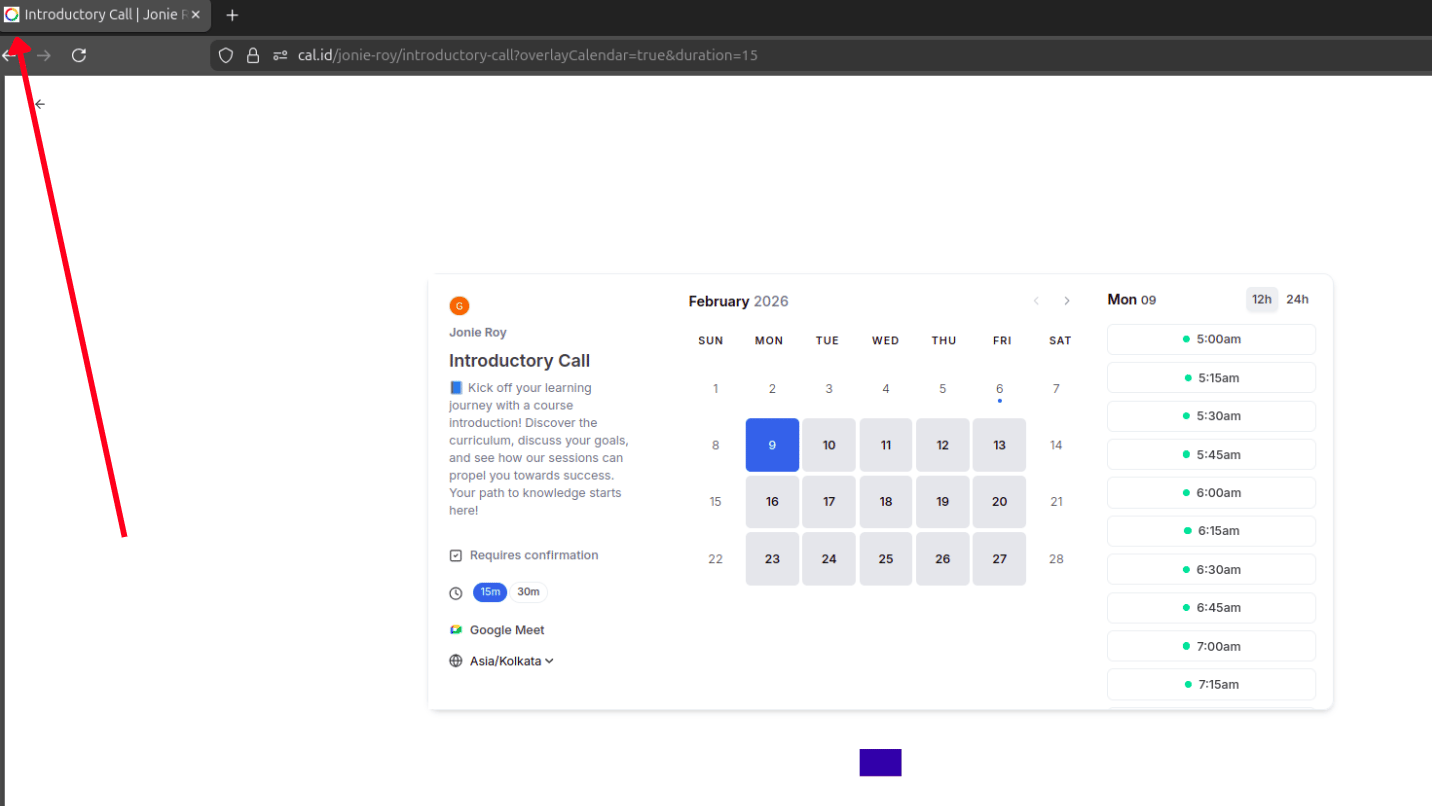
* **Public booking page** — your custom logo appears clearly at the bottom of your booking interface, replacing the default branding.
Click the **Update** button (if visible) to apply the changes.
For the **brand logo**, using a file with a transparent background (like a `.PNG`) is highly recommended. This ensures your logo looks natural whether your guest is viewing your page in **Light** or **Dark** mode.
## Visible changes in your account
* **Public booking page** — your custom logo appears clearly at the bottom of your booking interface, replacing the default branding.
 * **Browser tab** — your uploaded favicon is displayed in the browser tab whenever a guest opens your booking link.
 ## Next steps
Apply the same white-label treatment to your team's shared booking page.
## Related topics
- [Customize Your Brand Logo and Favicon in Cal ID for Team](/docs/branding/logo-favicon-team.md)
- [Custom Branding For Personal](/docs/branding/personal.md)
- [Managing Custom Brand Colors in Cal ID](/docs/branding/brand-colors.md)
- [Public Page Banner](/docs/branding/banner.md)
- [Customizing Your Appearance in Cal ID](/docs/appearance/appearance.md)
## Next steps
Apply the same white-label treatment to your team's shared booking page.
## Related topics
- [Customize Your Brand Logo and Favicon in Cal ID for Team](/docs/branding/logo-favicon-team.md)
- [Custom Branding For Personal](/docs/branding/personal.md)
- [Managing Custom Brand Colors in Cal ID](/docs/branding/brand-colors.md)
- [Public Page Banner](/docs/branding/banner.md)
- [Customizing Your Appearance in Cal ID](/docs/appearance/appearance.md)