

Open the command bar
Press the shortcut for your platform to bring up the command window from anywhere in Cal ID:- Mac
- Windows / Linux
⌘K
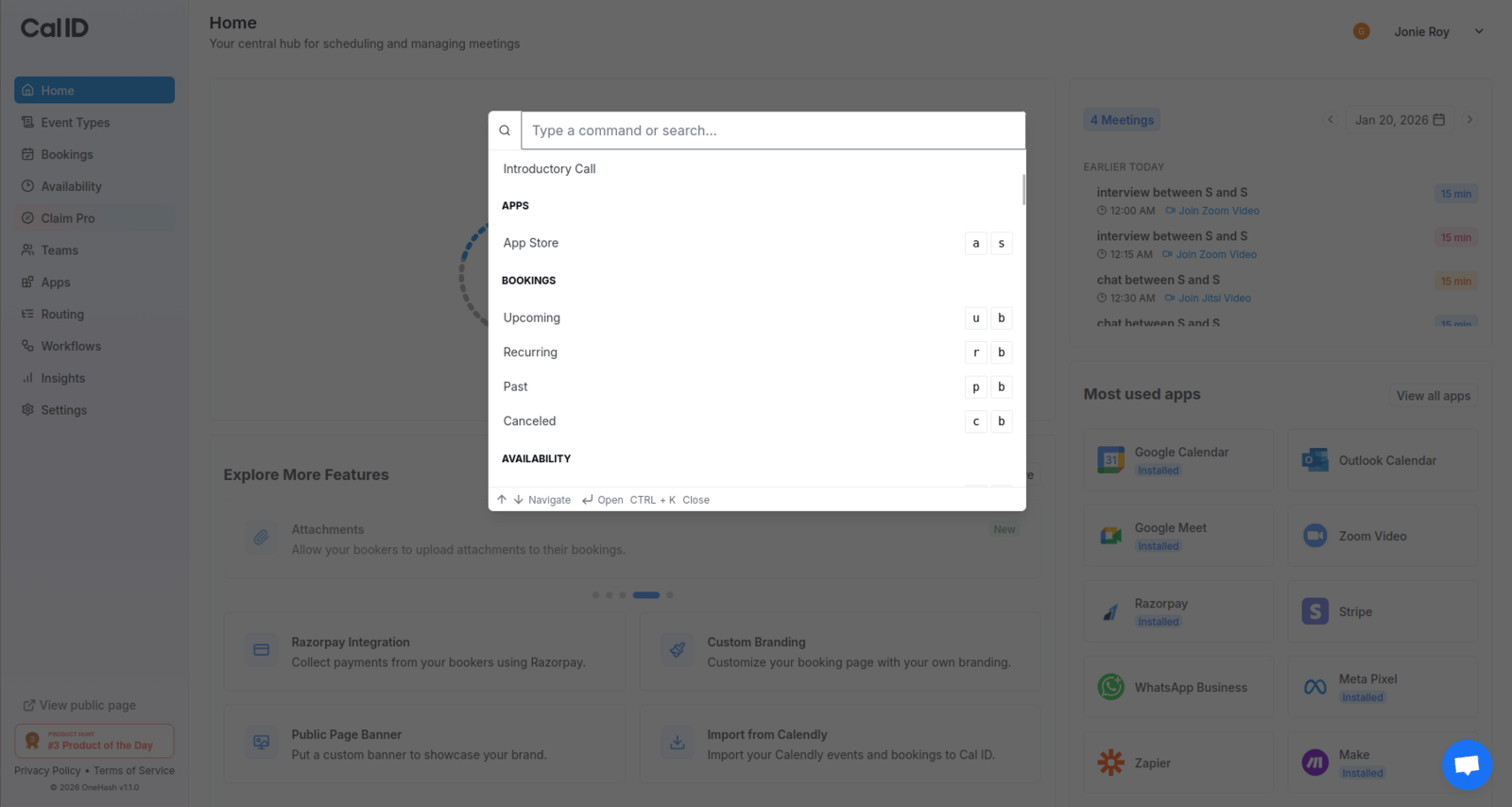
Jumping to any page in a few keystrokes
Where you can jump
The command bar can take you to any of these areas of your account:- Workflows
- Event Types
- Apps
- Bookings
- Availability
- Profile
- Security
- Admin
- Developer
- Installable Apps
Other quick ways to work
Unified Calendar
See every booking across your connected calendars in one view.
Schedule a meeting
Walk through booking a meeting from the booker’s side.
Mobile apps
Manage bookings and share links from your phone.
FAQs
Find quick answers to common Cal ID questions.