

From your dashboard
1
Log in to Cal ID
Sign in to your Cal ID account.
2
Open Explore More Features
Go to Explore More Features.
3
Start a request
Click Request a Feature.
4
Describe and submit
Enter your request and click Submit.
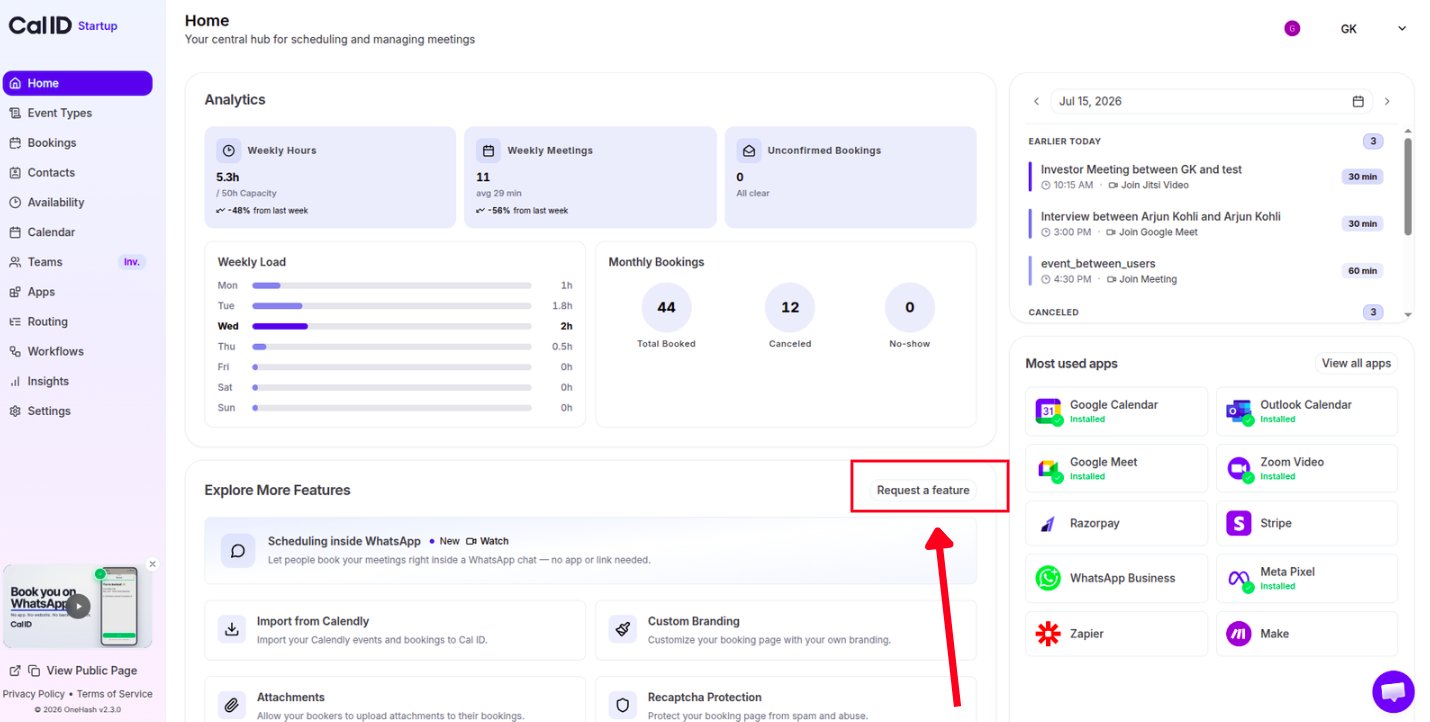
Sending an idea from your dashboard
On the public roadmap
Share ideas and feature requests directly on the public roadmap at cal.id/roadmap.Other ways to reach us
Get help
Reach the support team when you need an answer rather than a new feature.
FAQs
Check whether what you need already exists in Cal ID.