

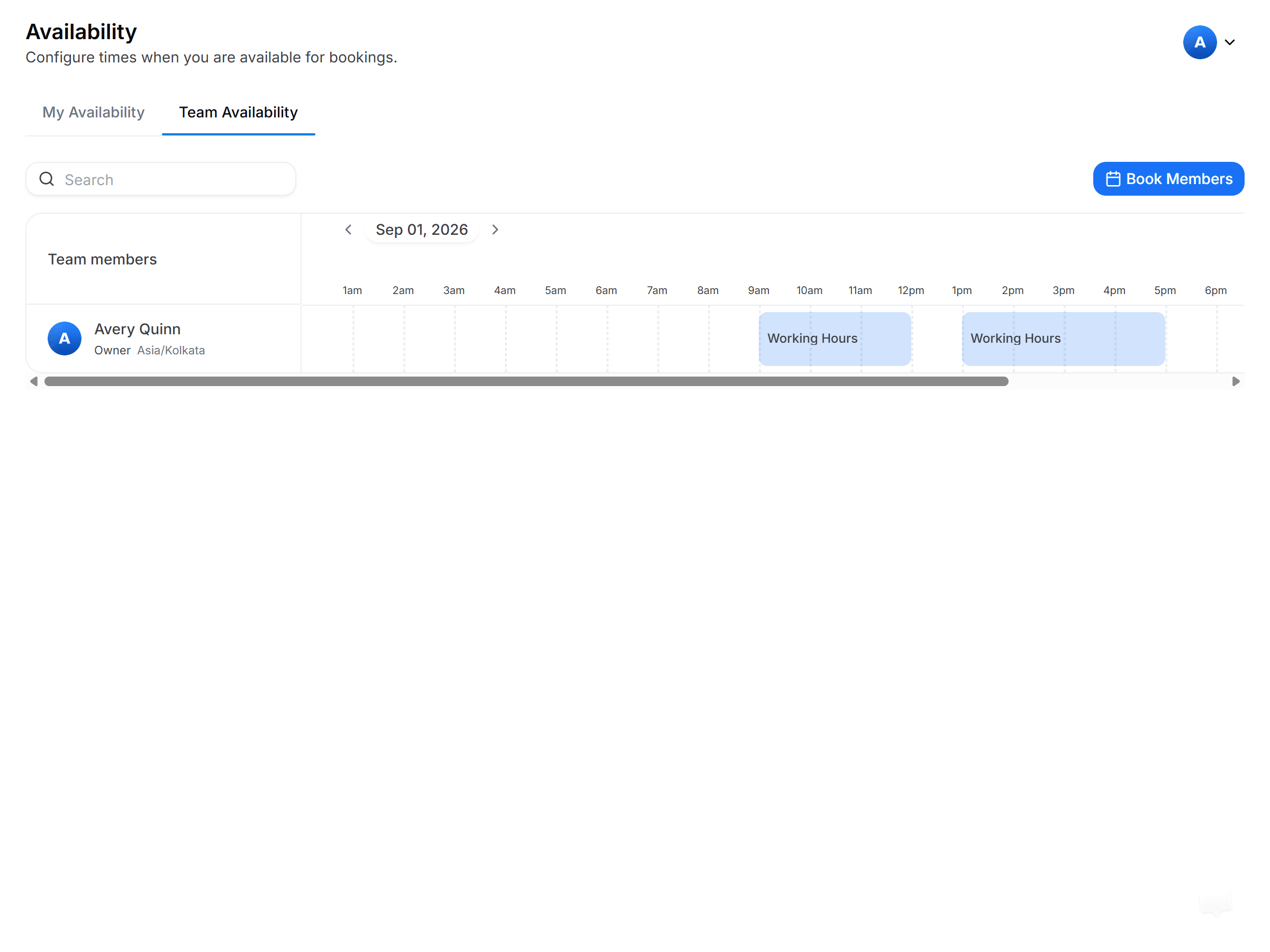
Managing team hours alongside your own
Switch between views
1
Open My Availability
Click the My Availability tab to see your personal availability schedules.
2
Switch to Team Availability
Click the Team Availability tab to switch to team view. From here you can create, delete, and edit team availability schedules.
You can create, delete, and edit team availability schedules only if you’re an account admin or owner.
Team scheduling essentials
Create Availability in Cal ID
Build the personal schedules behind your team availability.
Round-Robin Scheduling
Rotate team bookings to the next available host.
Collective Events
Book several team members into one meeting at once.
Teams in Cal ID
Create a team and share a single booking page.